Team battles are the most fun part of Mini Kingdoms. You can play with real friends or with computer allies — up to 6 kingdoms in one battle.
Create a room with your friends
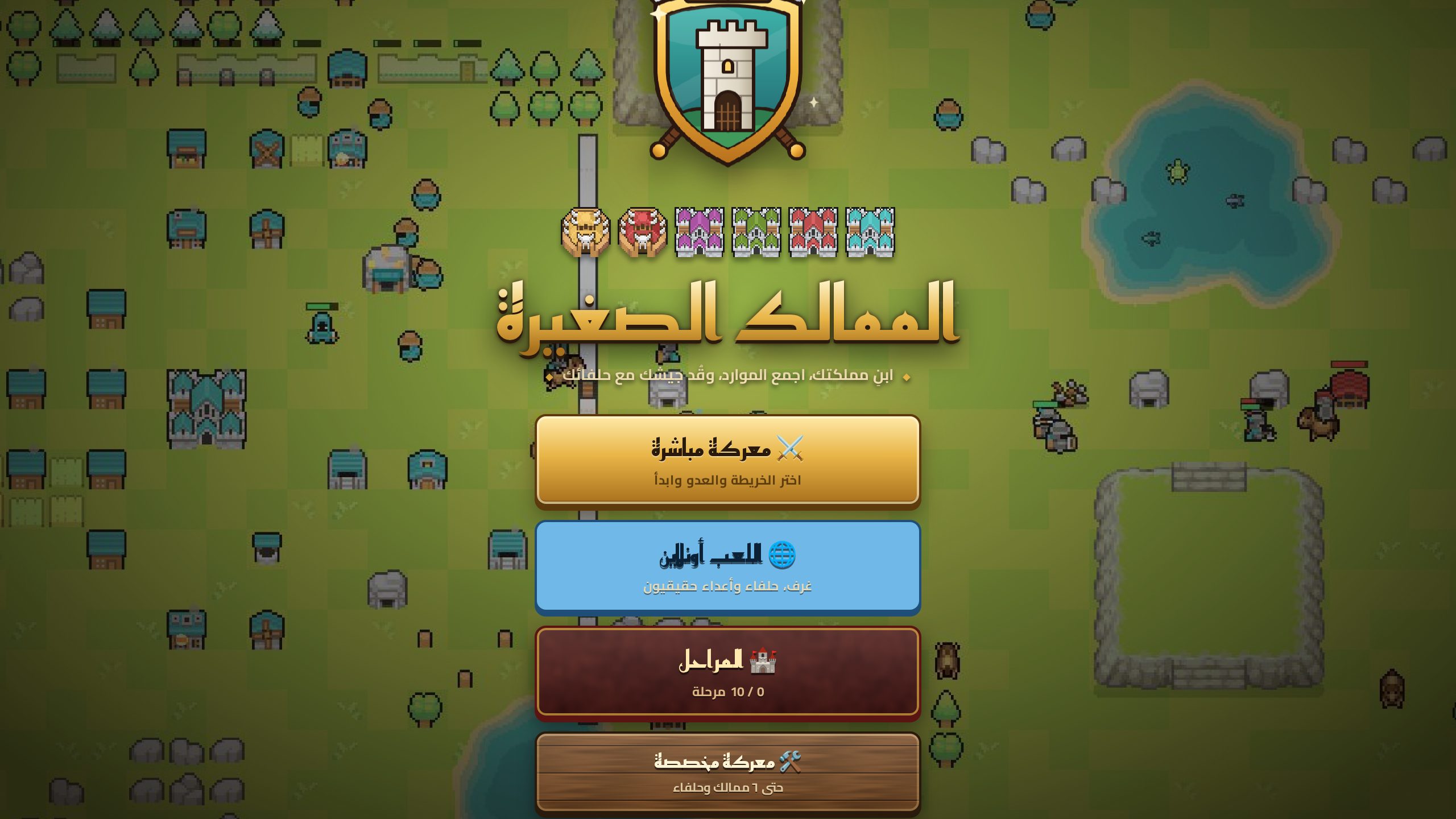
- Open the game and press "🌐 Play online".
- Type your name, then "➕ Create a room"; choose public or private and the number of kingdoms.
- Press "🔗 Copy invite link" and send it to your friends, or give them the 6-letter room code.
- For every seat choose: a real player, a computer at the level you want, or closed.
- Set the teams: kingdoms in the same team (A, B, C, D) are allies, and "alone" fights everyone.
- When everyone presses "✋ I am ready", the host starts the battle.
Suggested battles
- 2 vs 2: you and a friend against two "hard" computers. The best way to start.
- Friends vs friends: 2 vs 2 with real players, each team with a computer ally.
- Free for all: 4 players, each on their own.
Talking
- Chat 💬: pick "🛡 My team" so only your allies see it, or "🌍 Everyone".
- Allies panel 🤝: ready-made buttons: "⚔️ Attack with me", "🛡 Defend me", and ask for or send resources. A human ally gets your request with buttons to answer it in one tap.
Splitting the roles
The strongest teams share the work:
- Economy and defence player: builds mills and storehouses and sends resources to the partner.
- Attack player: builds barracks and a workshop and pressures the enemy early.
Use "Send 100" to pass wood, stone or gold to your ally instantly.
The coordinated attack
The strongest move in team play is an attack from two sides at the same time. Agree on the target in chat, then press "⚔️ Attack with me". A computer ally attacks the same kingdom you are fighting.
If the connection drops
Don't worry: the battle doesn't stop. If a player is disconnected for more than 20 seconds, the computer plays their kingdom until they are back. When they return — even after reopening the page — they rejoin the same battle and take their kingdom back.
More articles
The Best Start: What to Do in Your First Five Minutes
A proven opening for Mini Kingdoms: how many workers to train, when to build houses, a storehouse, mills and barracks, and how to prepare for the first attack.
Who Beats Whom? A Guide to Units and Counters
Every unit in Mini Kingdoms has a strength and a weakness. Learn the counters: spears against knights, knights against archers, axes against buildings and more.
Smart Defence: Walls, Gates and Towers
How to wall your town in Mini Kingdoms: the smart wall tool, gates, towers, spear barriers and the upgrades that make your defence solid.